Are my files really never uploaded?
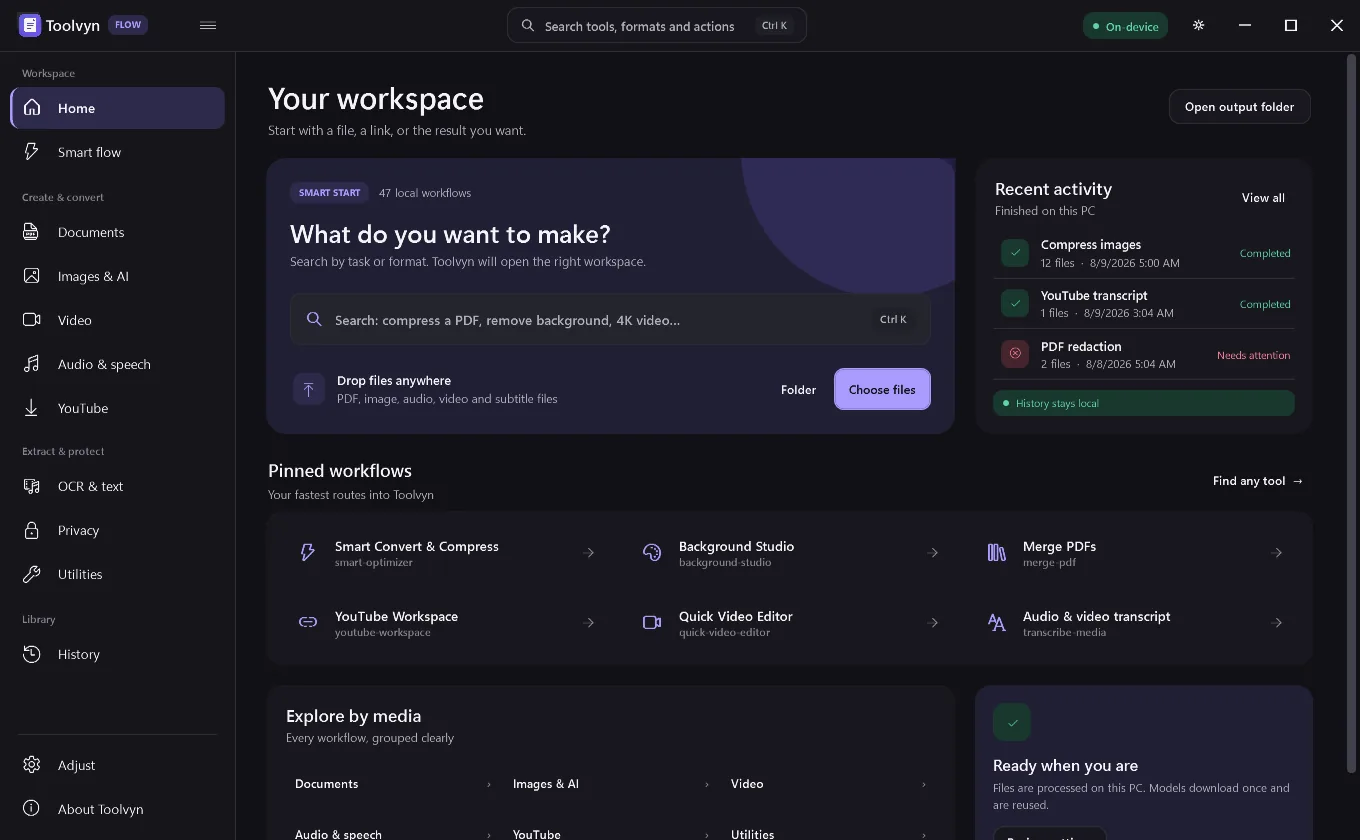
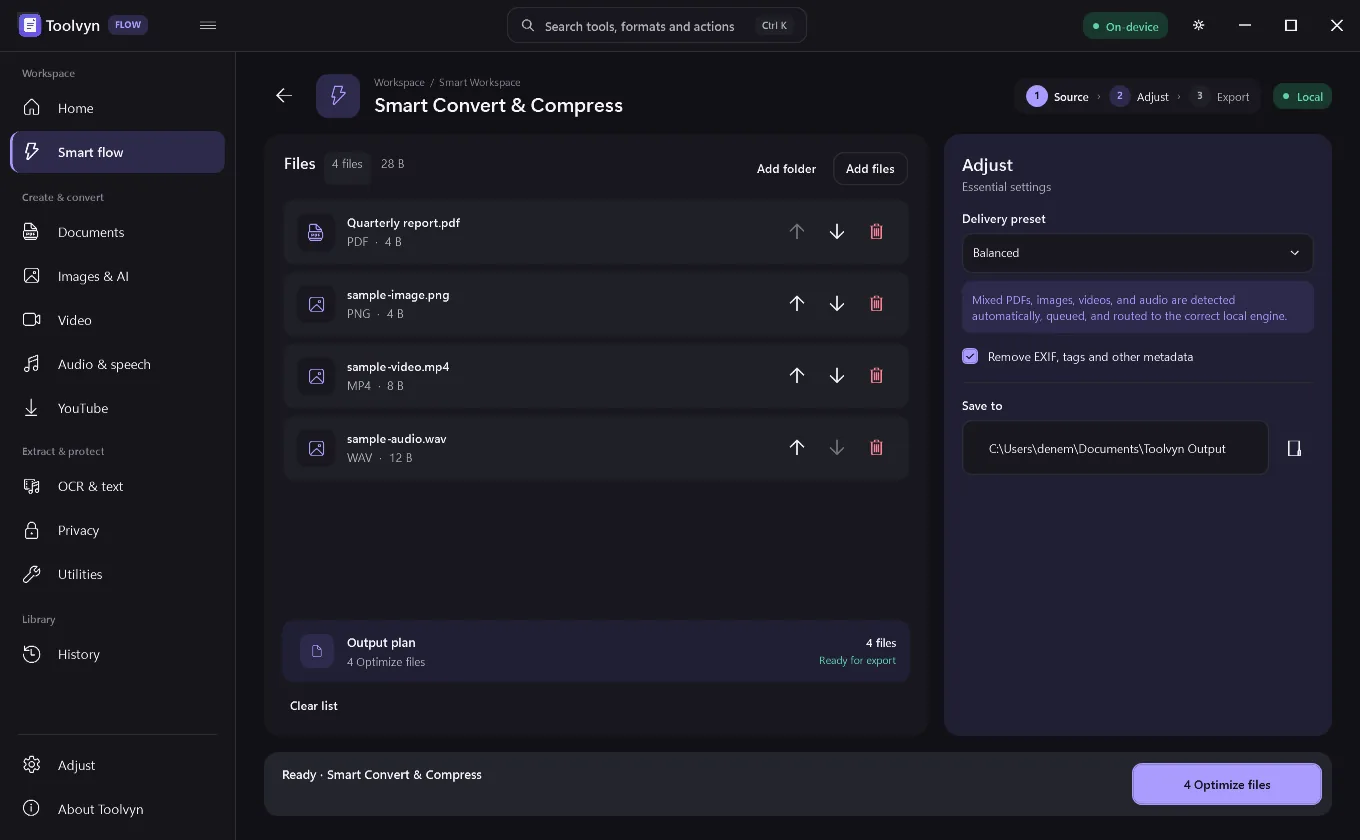
Yes. Document, image, audio and video processing runs against local engines on your own machine. Network access happens in three explicit cases: a YouTube link you paste, the one-time download of a media engine or AI model, and the update check. None of them send your files anywhere.
Why is the installer small if it does this much?
The base installer ships the application only. FFmpeg, the YouTube runtime, Whisper models and the Vulkan upscaler are fetched the first time a workflow needs them, verified against a pinned SHA-256 digest, and installed atomically. If you never touch video, you never download FFmpeg.
Do I need a powerful GPU?
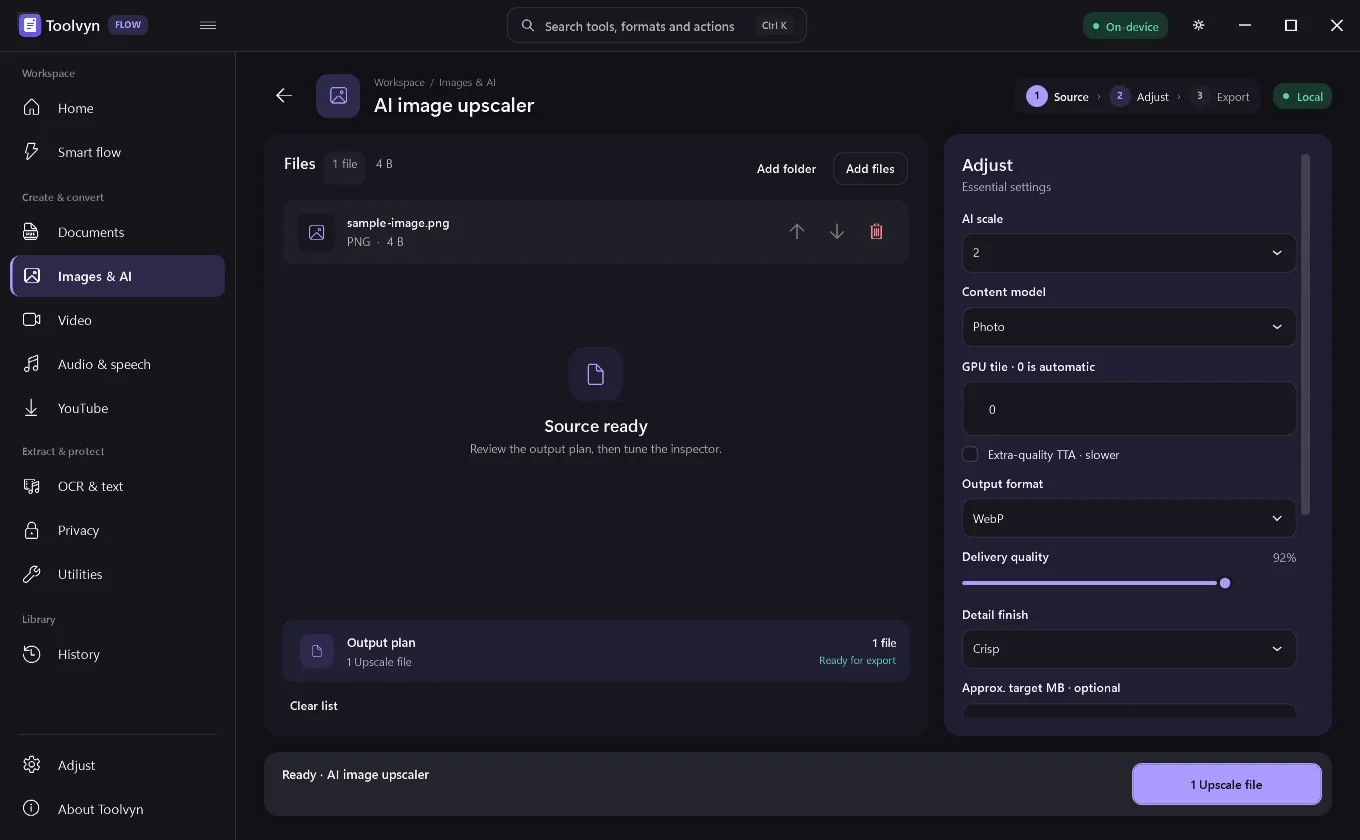
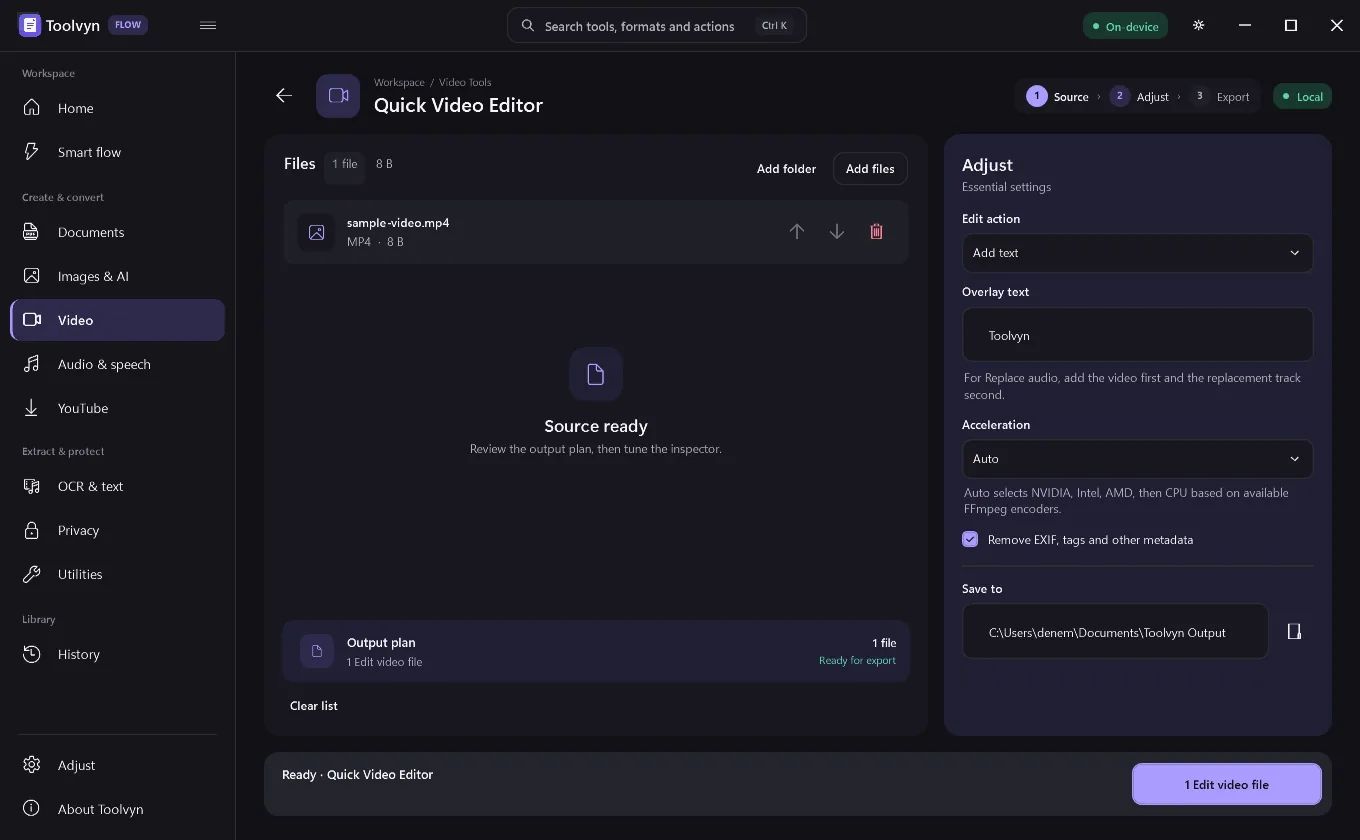
No. CPU conversion works on every supported PC. AI upscaling needs a Vulkan-capable graphics adapter, and hardware video encoding is tested at runtime — Auto falls back to CPU when a listed GPU encoder is not operational.
Does it modify my original files?
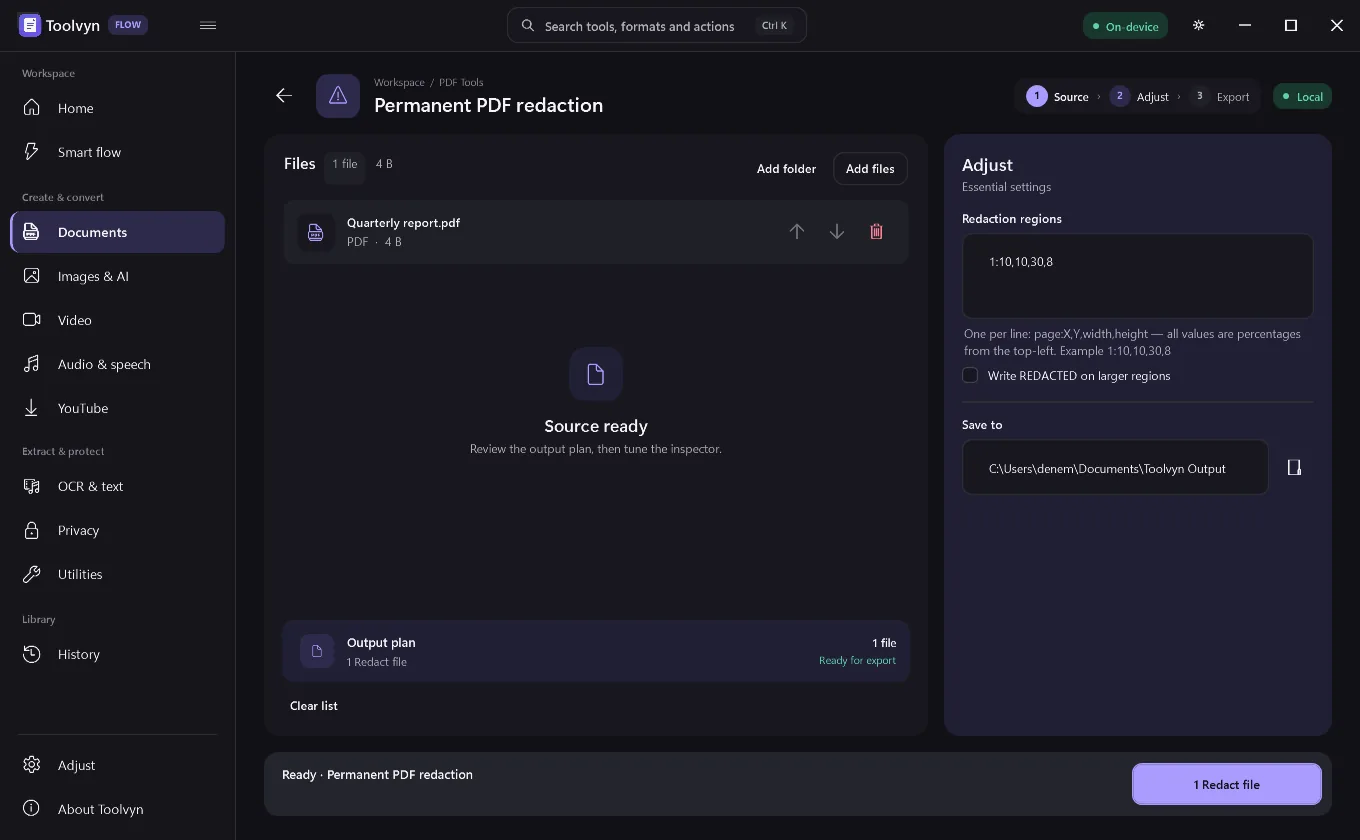
Not by default. Workflows write to an output folder and leave sources untouched. The exception is deliberate: permanent PDF redaction flattens the result so covered content cannot be recovered.
Is there a portable build?
Yes. The portable ZIP is application-only and keeps its engine cache beside the executable, so it does not write to the machine profile.
How do I compress a PDF without uploading it?
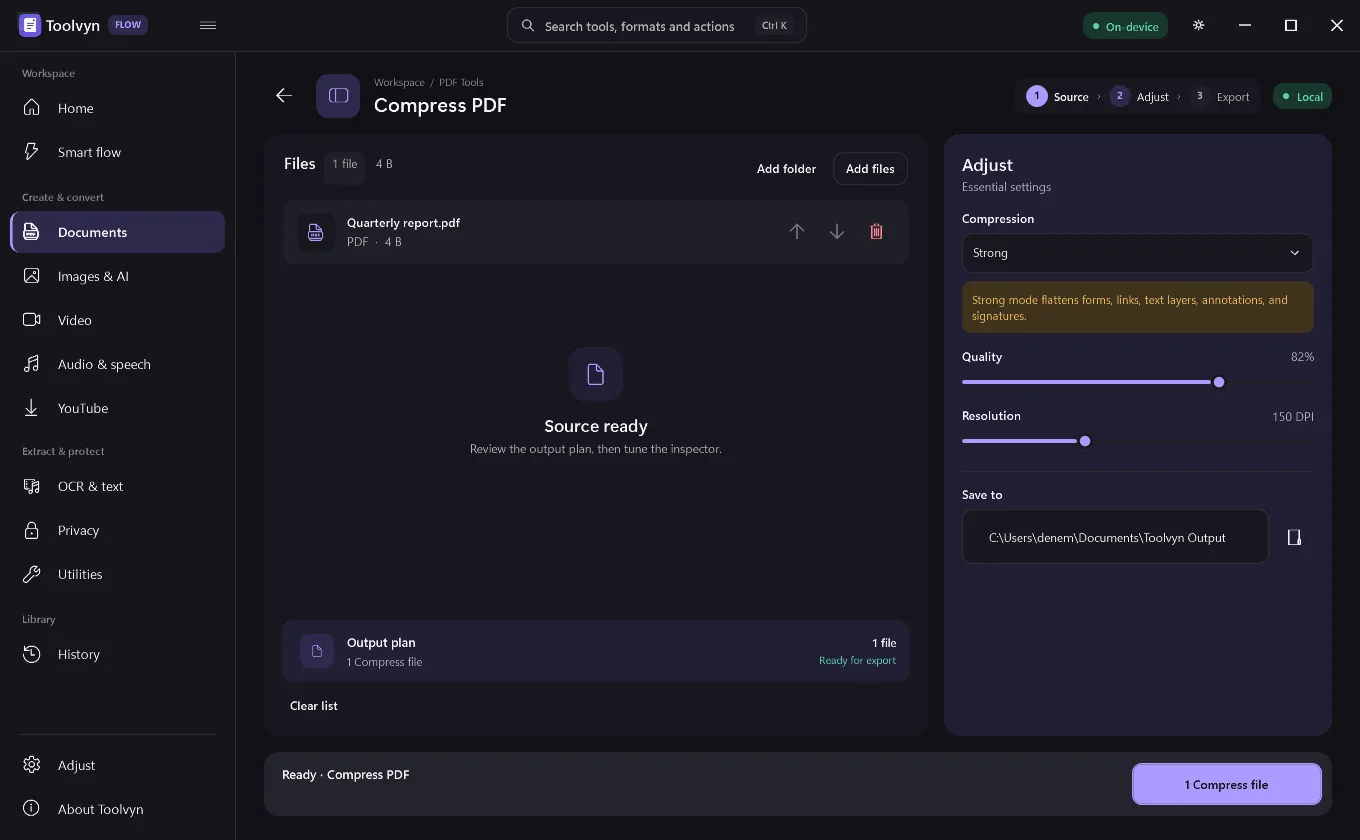
Drop the file into Compress PDF and choose Lossless, Balanced or Strong. A local engine on your own PC does the work, the original stays untouched, and the document is never sent to a server — so it also works with no internet connection.
Can I remove an image background offline on Windows?
Yes. Background Studio removes, replaces or blurs backgrounds with a 4.4 MB U2NetP model that downloads once and then runs on your CPU through ONNX Runtime. After that one download it needs no connection and no cloud credits.
How do I transcribe audio to text locally, without an API key?
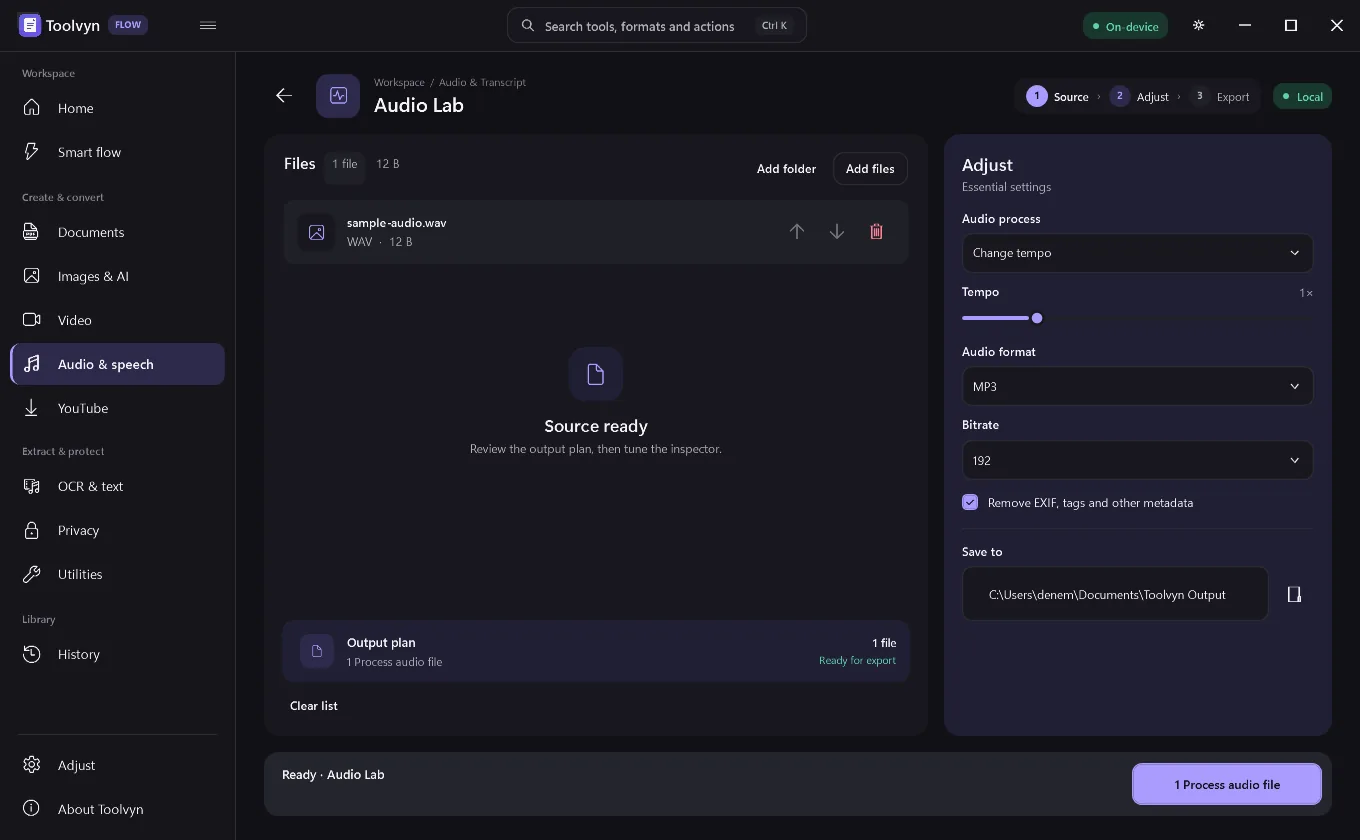
Toolvyn runs whisper.cpp on your machine. Drop in audio or video and export TXT, SRT, VTT or JSON. You pick the model — Tiny at 31 MB up to Large v3 Turbo at 548 MB — and because nothing goes to a transcription service there is no API key and no per-minute cost.
Can I convert YouTube videos to MP3 or MP4?
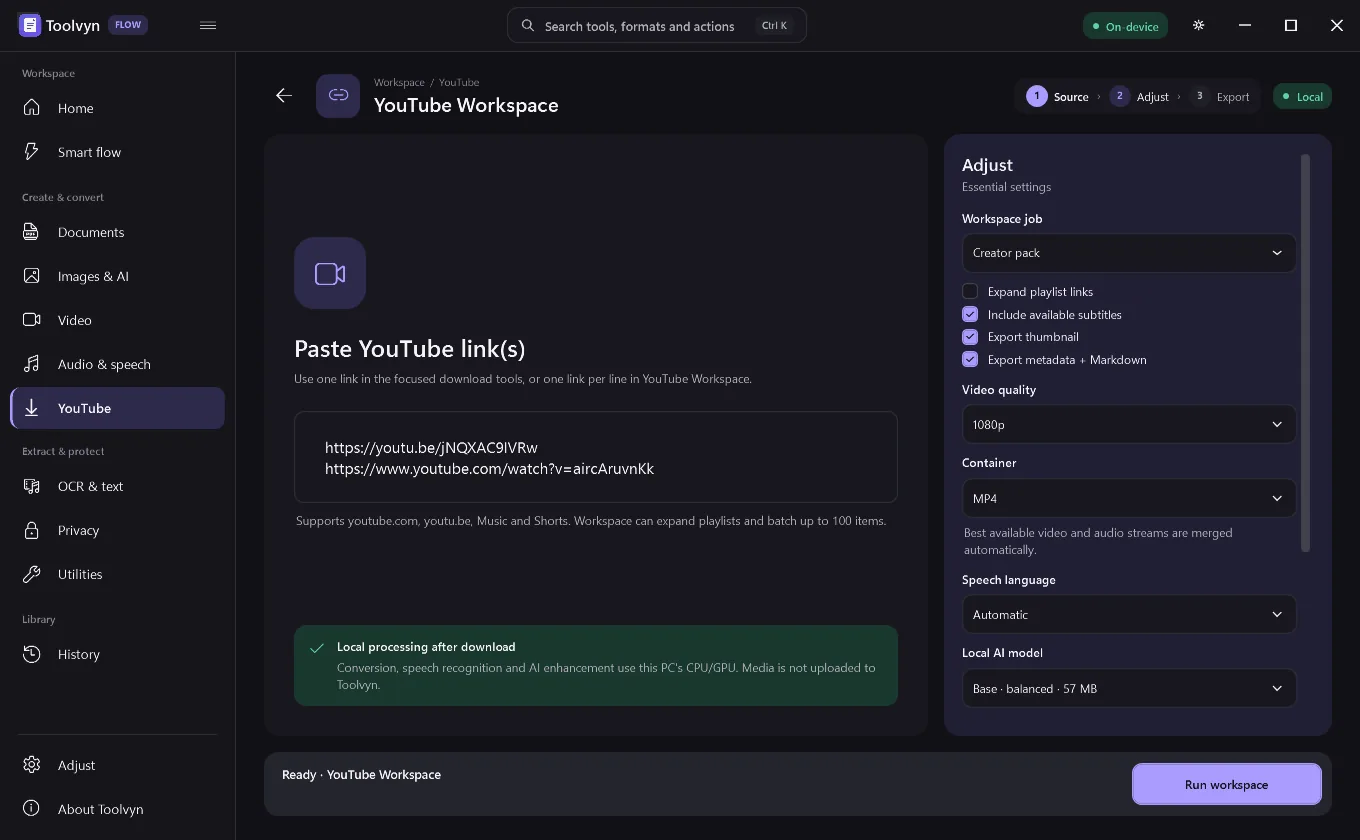
Yes. Paste a link and export MP4 video or MP3, M4A, FLAC, WAV or Opus audio. Retrieval runs over your own connection with yt-dlp and the conversion happens locally with FFmpeg. Please respect the rights of the material you download.
How do updates work?
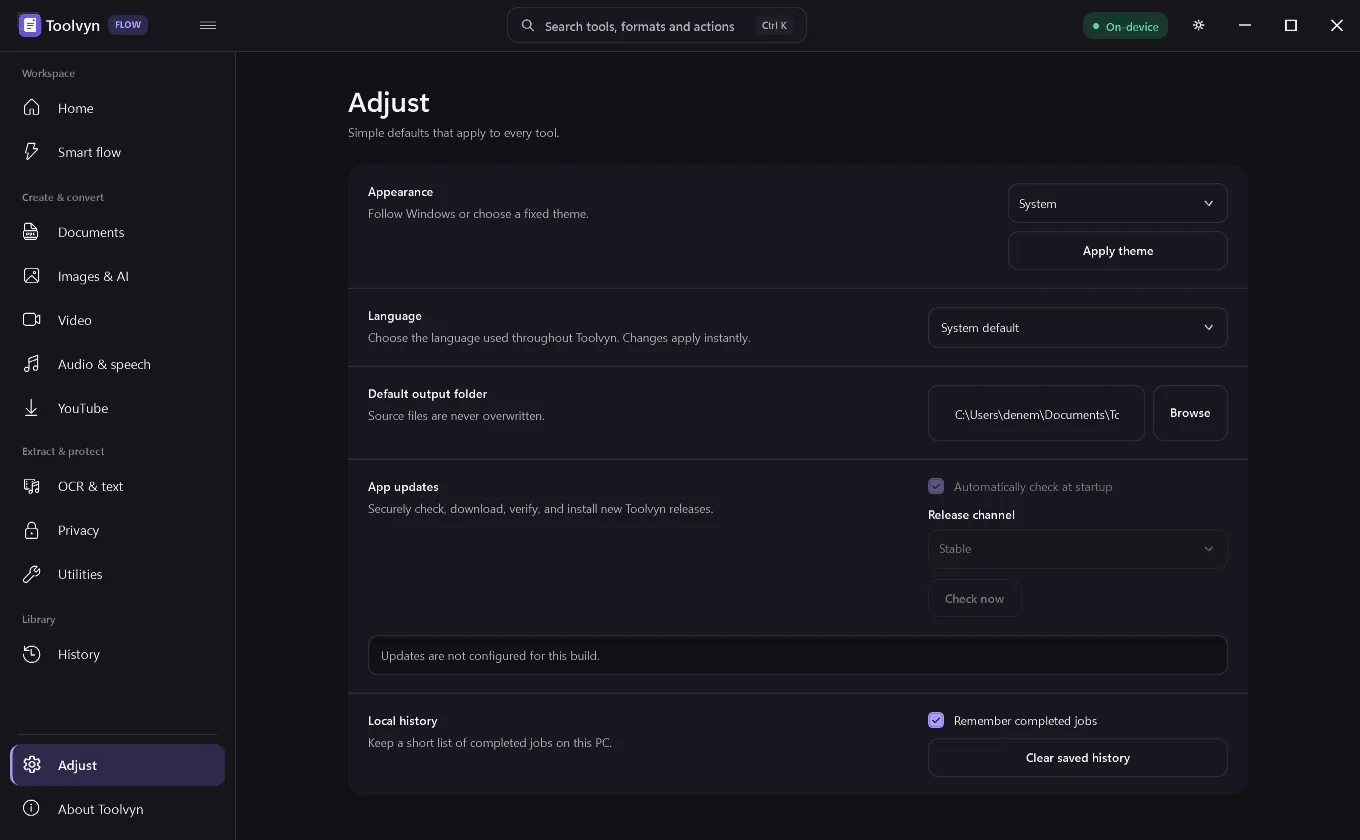
The desktop app contains a read-only updater. When enabled for a production build it anonymously reads an HTTPS release feed, verifies an ECDSA-signed manifest, streams the installer through size and SHA-256 checks, verifies the Windows Authenticode signature, and only then starts the installer.